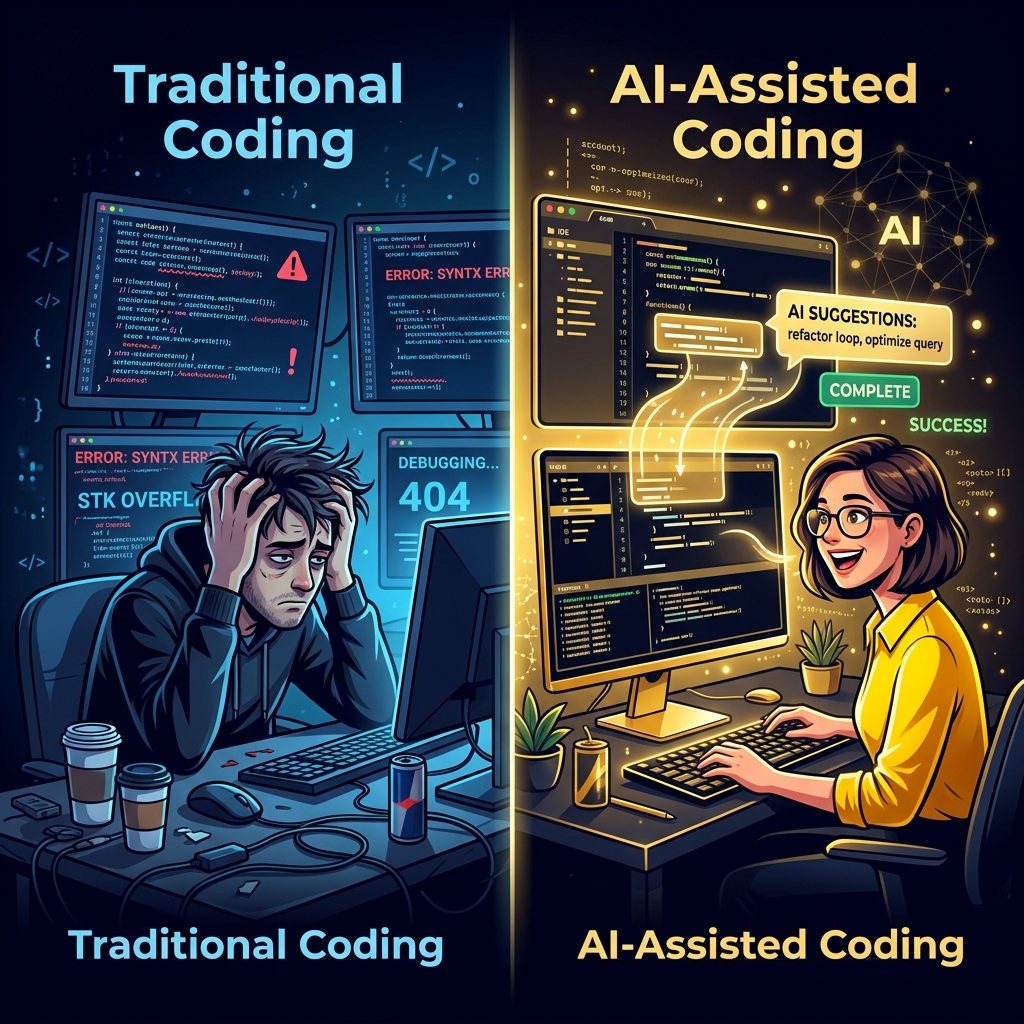
Why AI changed the game
Before, you had to memorize everything and write every line by hand. Now AI is a teammate: it writes with you, fixes errors, and explains code you do not understand. The key is asking the right way.
Step 1: Prepare your workspace
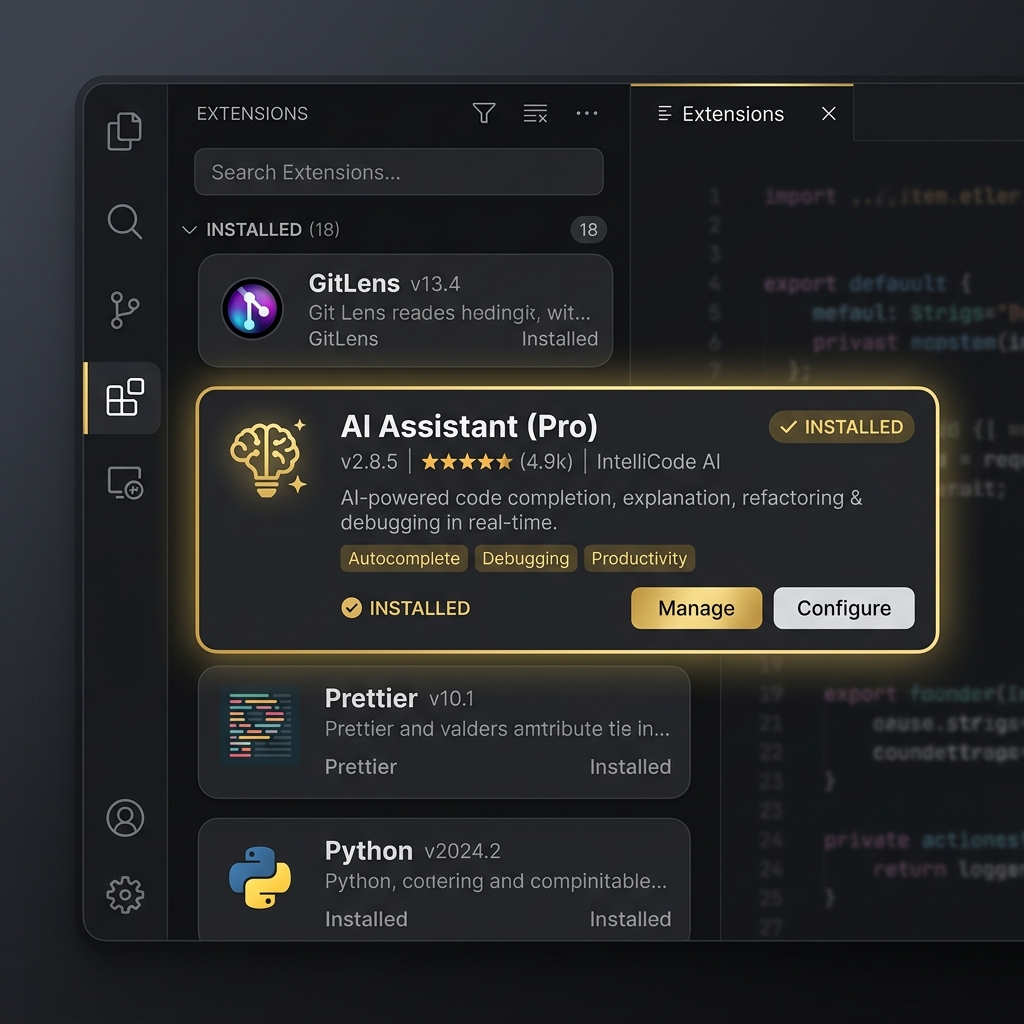
Start by installing VS Code and adding an AI extension:
- 1. Download VS Code from code.visualstudio.com
- 2. Open Extensions (Ctrl+Shift+X)
- 3. Search for a suitable AI extension and install it
- 4. Sign in and activate your subscription
Step 2: First try - write code with AI
Open a new file and write a comment describing what you need. The AI will generate the code:
# Create a function to calculate the area of a circle
# The AI may write:
import math

def circle_area(radius):
    return math.pi * radius ** 2

print(circle_area(5))  # 78.54
Tip: Be clear and specific in your prompt. The clearer you are, the better the result.
Step 3: Ask AI to explain
If you do not understand a snippet, highlight it and ask the AI for a line-by-line explanation:
# Ask the AI to explain this
data = [x**2 for x in range(10) if x % 2 == 0]

# AI explanation:
# - range(10): numbers 0 to 9
# - if x % 2 == 0: only even numbers
# - x**2: square each number
# Result: [0, 4, 16, 36, 64]
Step 4: Fix errors quickly
When you hit an error, copy the message and send it to the AI. It will tell you the cause and the fix in seconds.
# Error:
# TypeError: can't multiply sequence by non-int

# Ask AI: "What's wrong here?"
# Fix: convert the input to a number first
price = int(input('Enter price: '))
total = price * 3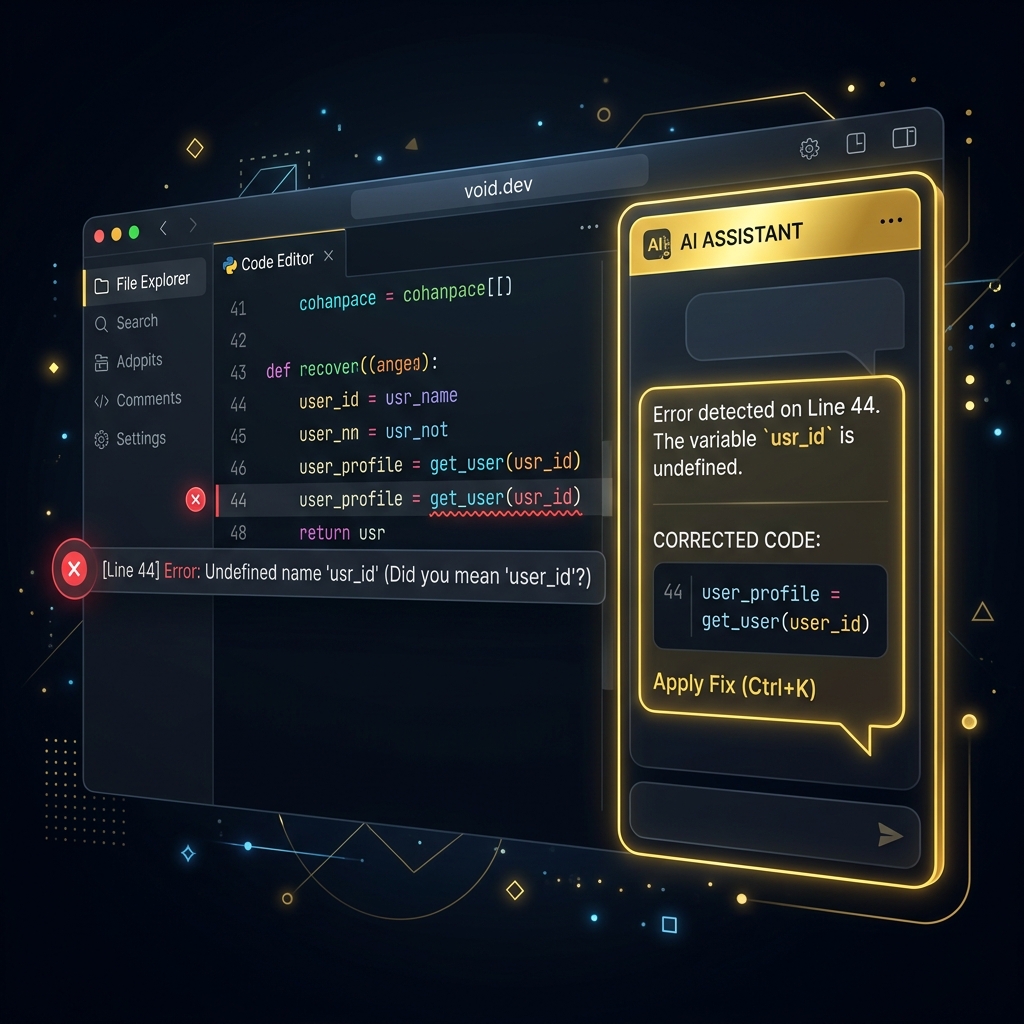
Step 5: Learn by building
The fastest way to learn is to build real projects. Start small and let AI guide you step by step:
- Personal website (HTML + CSS)
- To-do list app (JavaScript)
- Small e-commerce site (React)
- Mobile app (React Native)
✅ Golden tips
- Write clear, specific prompts
- Read the code, do not just copy it
- Edit and test every snippet
- Keep notes on what you learn